PromptCatalog Blog
AI Photo Booth Prompts: A Beginner's Guide for Photo Booth Owners
Everything a booth owner needs to know about AI photo booth prompts: what they are, the five parts of a prompt that works, the mistakes that ruin event nights, how prompts differ across Snappic, LumaBooth and Breeze, and answers to the questions operators ask most.
What an AI photo booth prompt actually is
If you have just added AI to your booth, start here. The guest's photo is only half of what goes in. The other half is the prompt, which is the written instruction your software sends along with it, describing the scene, the style, the lighting and the mood you want back.
Two booths can run the same camera, the same software and the same AI model and still turn out pictures that look nothing alike. The hardware is almost never the reason. The prompt is. That is what makes AI photo booth prompts worth your attention. They cost nothing to change and they change more than anything else you could swap out.
Think of the model as a very capable artist who takes everything literally, has never met your guest, and cannot ask you a single question. Anything you leave out, it makes up on your behalf.
Why prompt quality decides whether a line forms
Everyone has seen AI pictures by now, so the novelty of the computer changing your photo has worn off. What still stops people is something good enough that they post it before they leave the room.
This is about bookings more than it is about art. A booth turning out middling pictures gets polite use and stands empty by nine. A booth turning out pictures people want to share gets a queue, gets tagged, and gets you three enquiries from friends who saw it on someone's story. Same kit, same night, better prompts.
The operator's version
You are not aiming for a nice picture. You are aiming for the moment someone turns their phone round to show a friend. Every prompt you take to a paying event should clear that bar.
The five parts of a prompt that works
Almost every prompt that works has the same five pieces in it. Once you know them you can usually spot what is missing from one that does not.
1. The subject
Who is in the frame and how they are standing. Stay vague about what they look like, because your prompt has to work for everyone at the party, not just the person you tried it on. “A person” holds up. “A woman with long blonde hair” falls over the moment a bald man steps in front of the camera.
2. The style
This is the biggest lever you have. Oil painting, 1970s film photograph, comic book panel, cinematic still, vintage trading card. Pick one and commit. Give a model a vague style and it will blend several together into something muddy.
3. The scene and lighting
Where they are and how it is lit. People skip this more than any other part, and it is the piece that separates a snapshot from something that looks properly shot. “Golden hour backlight” or “soft overcast daylight” does an enormous amount of work for three words.
4. Quality direction
Terms like “highly detailed”, “sharp focus”, or the name of a film stock. These help, but only up to a point. Ten quality words will not give you a ten times better picture, and they push out the instructions doing the real work.
5. The negative prompt
What you do not want to see. Warped faces, extra fingers, stray text, duplicated arms. Not every platform gives you the field, but when it does, filling it in is the cheapest improvement available.
Weak, vague, no scene, no lighting, no negatives
make the person look like a superhero, cool background, high quality, amazing, 8k
Strong, subject stays flexible, style and light are specific
Cinematic portrait of the person as a modern superhero in a matte armored suit, standing on a rain-slicked rooftop at dusk. Dramatic rim lighting from behind, city lights bokeh in the background, shallow depth of field, sharp focus on the face. Negative: distorted face, extra fingers, text, watermark, duplicated limbs.
The mistakes that cost operators the most
These come up over and over in conversations with booth owners, and each one is easy to sort out beforehand and painful to discover mid-event.
Testing on one face
This is the one that costs the most. A prompt you only ever tried on yourself will eventually meet someone with different hair, a different skin tone, or glasses, and fall apart in front of them. Try it on a mix of faces before you trust it.
Describing what you don't want in the positive prompt
Write “no hats” in the main prompt and you will often get hats. Models tend to latch onto whatever you name, whether or not there is a “no” in front of it. Put exclusions in the negative field instead.
Stacking adjectives instead of adding structure
“Beautiful, stunning, gorgeous, amazing, masterpiece” adds almost nothing. One sentence about the lighting adds a lot.
Fighting the face
Asking for a thick oil painting or a cartoon while the software is also trying to keep the guest recognisable pulls in two directions at once, and you end up in uncanny valley. Either soften the style or accept that the likeness will loosen.
Changing anything on event day
If you have not run it on the machine and software you are using tonight, you are gambling with a paying client's party.
AI photo booth prompt examples
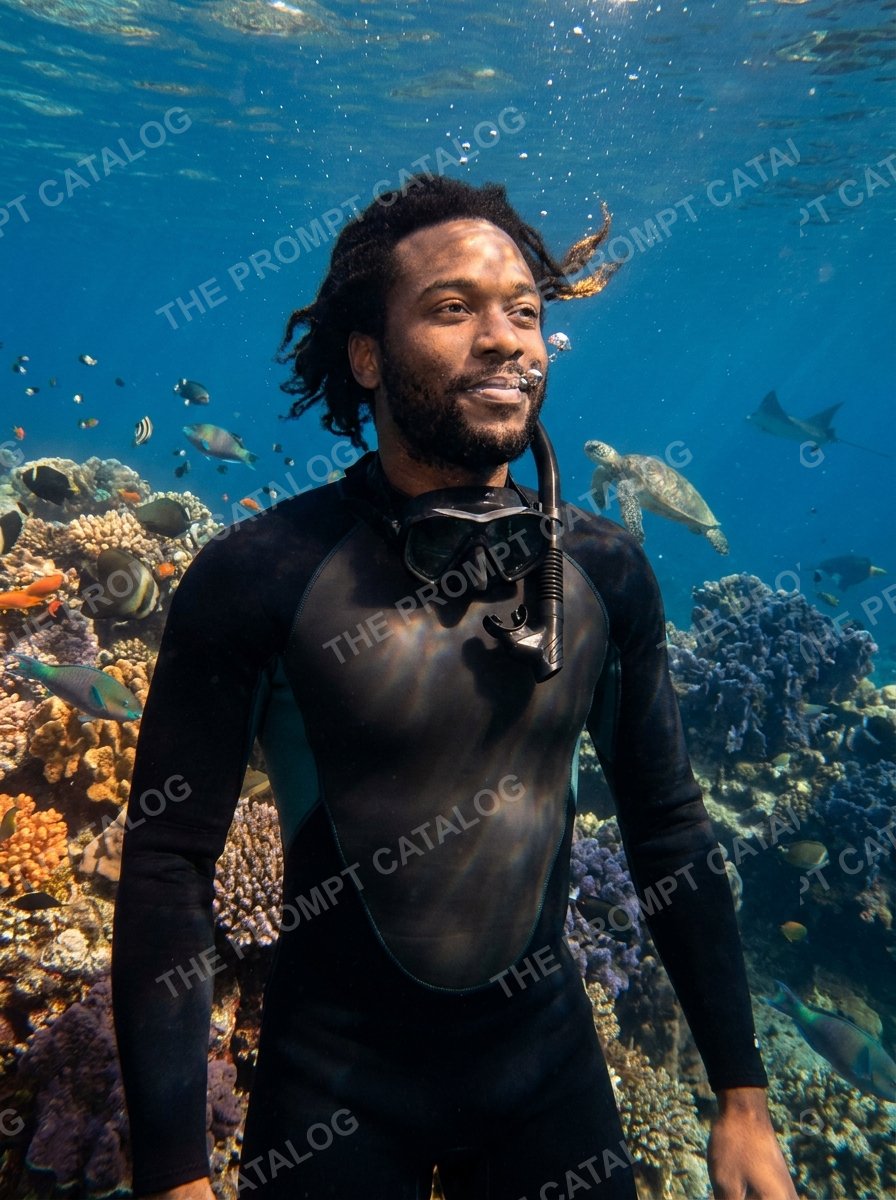
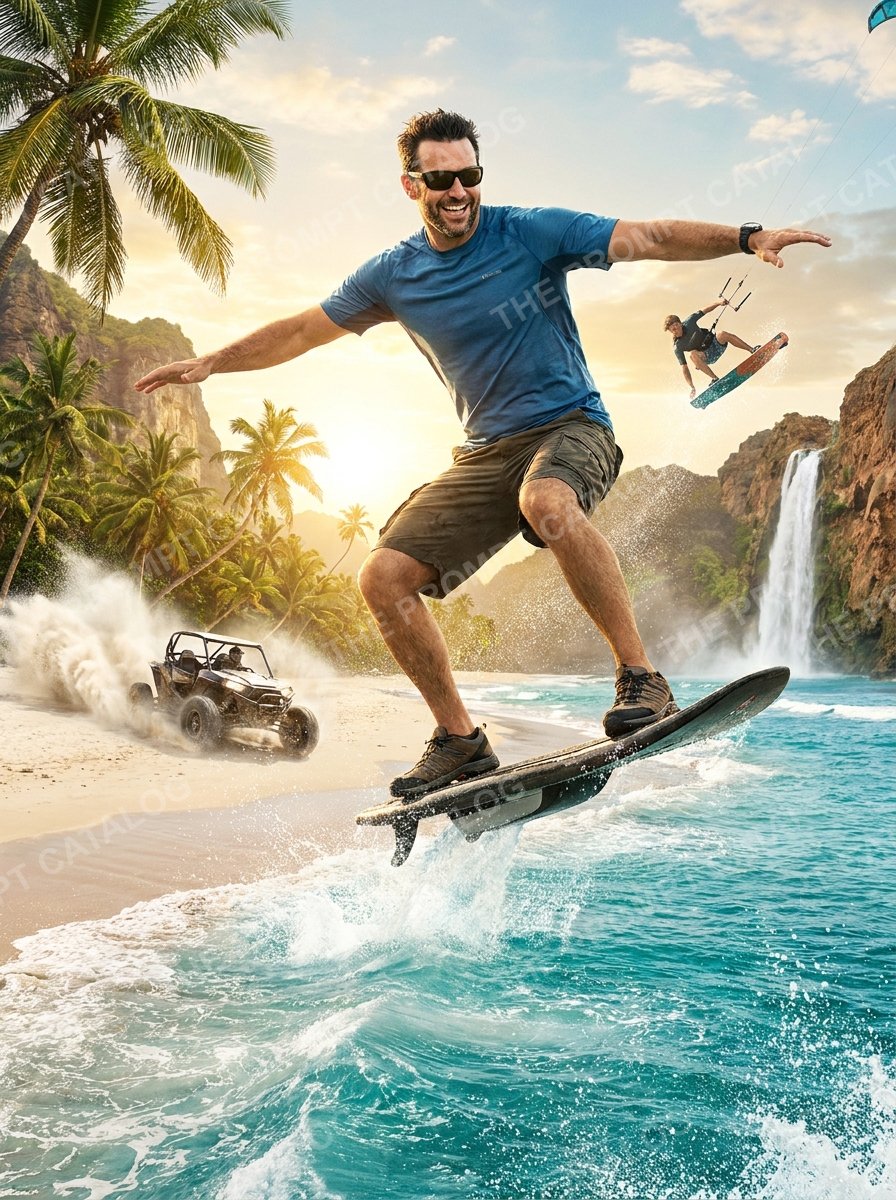
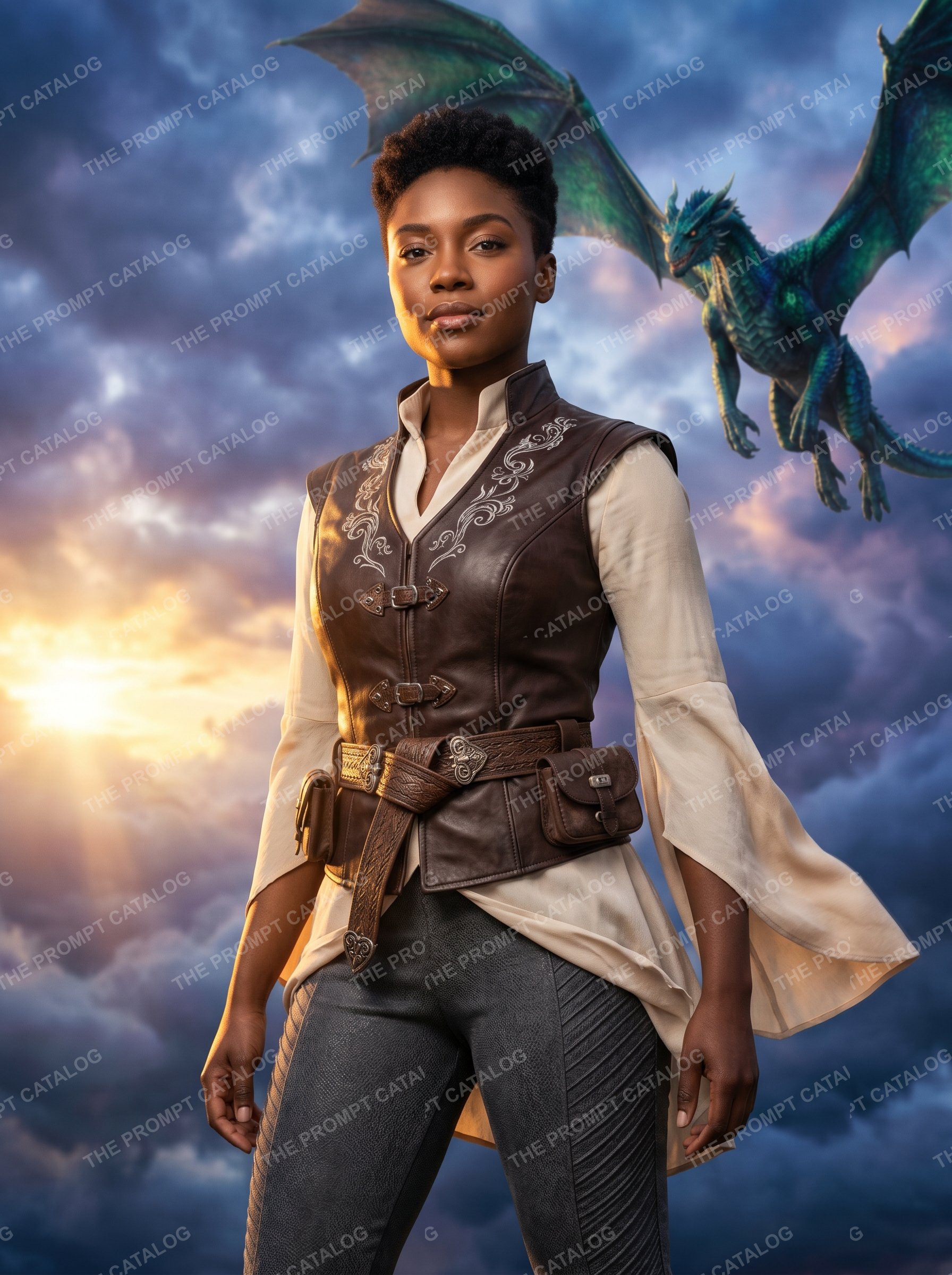
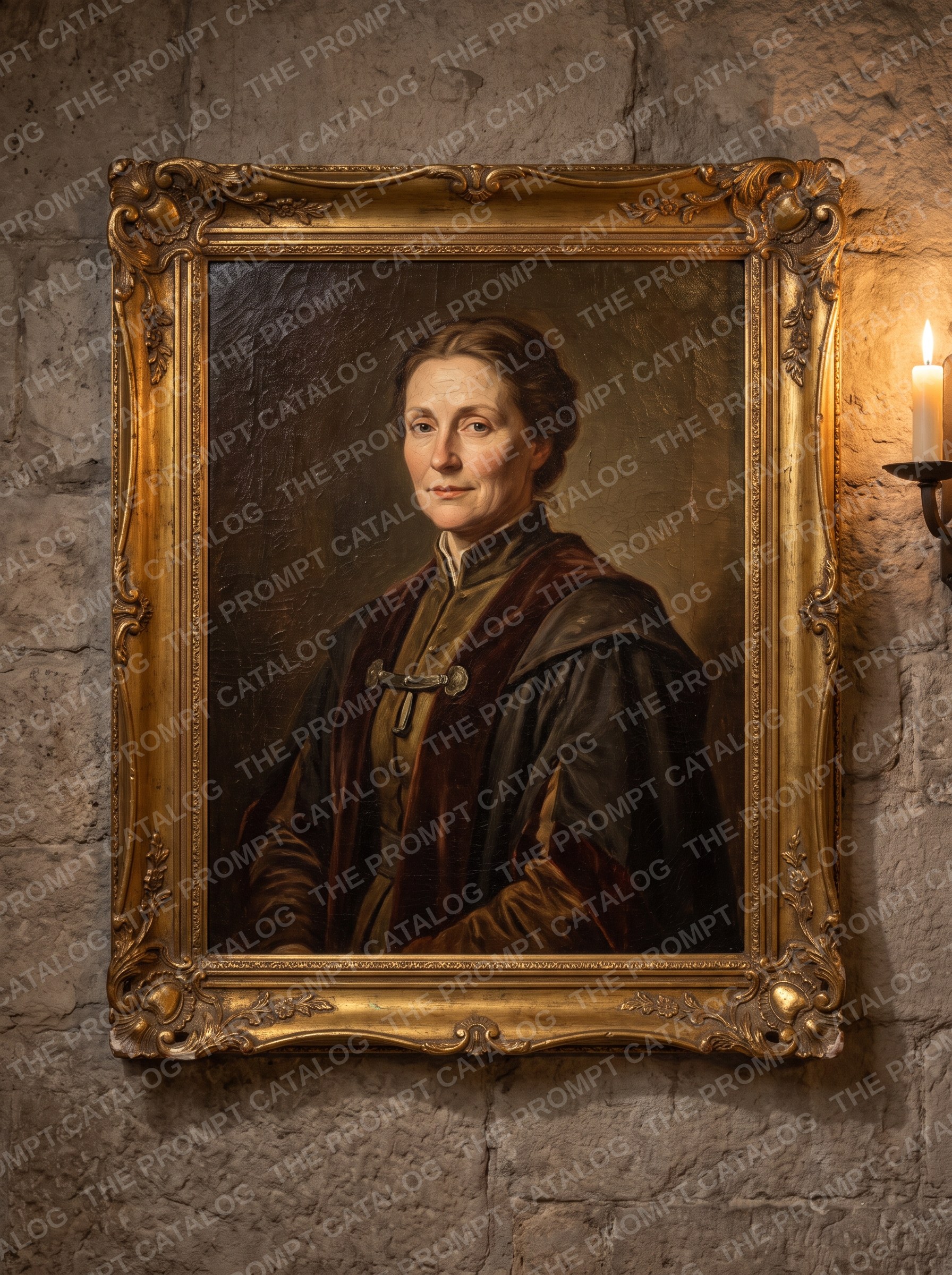
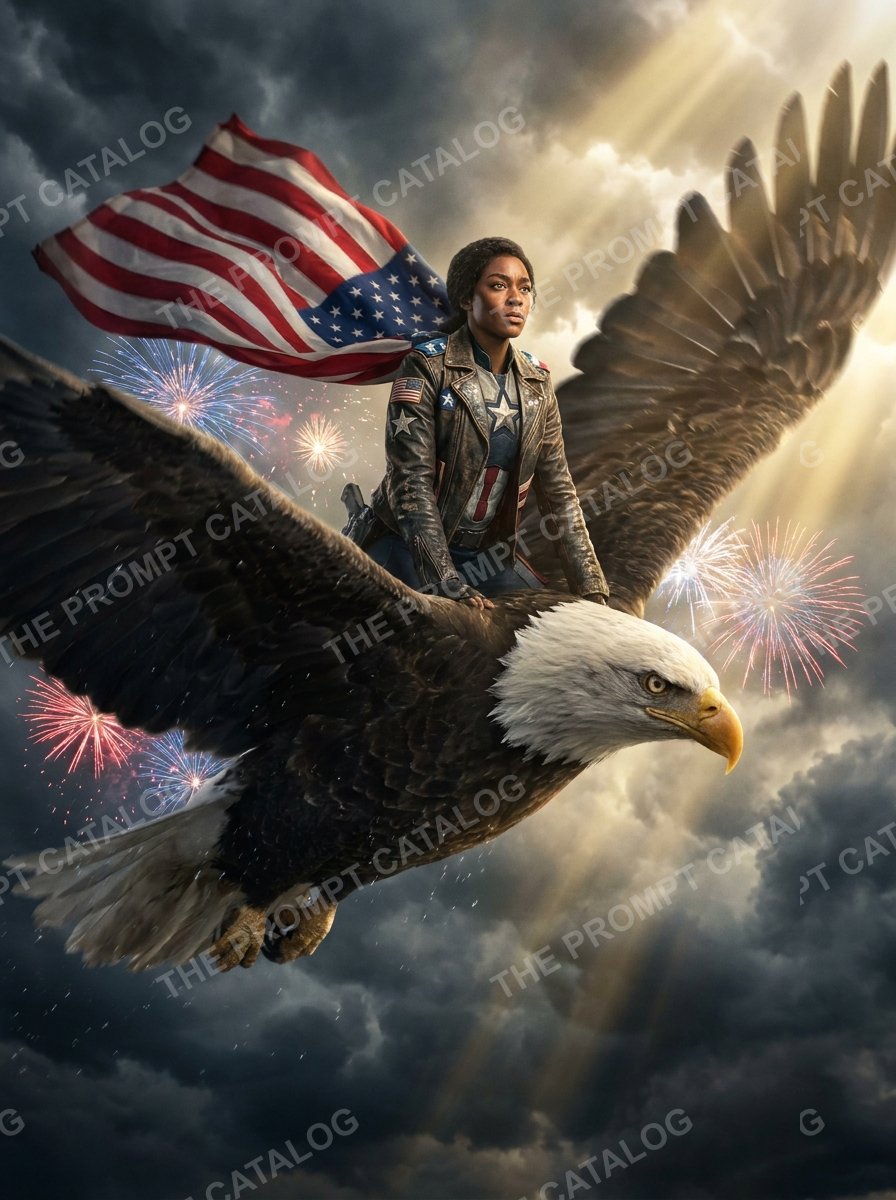
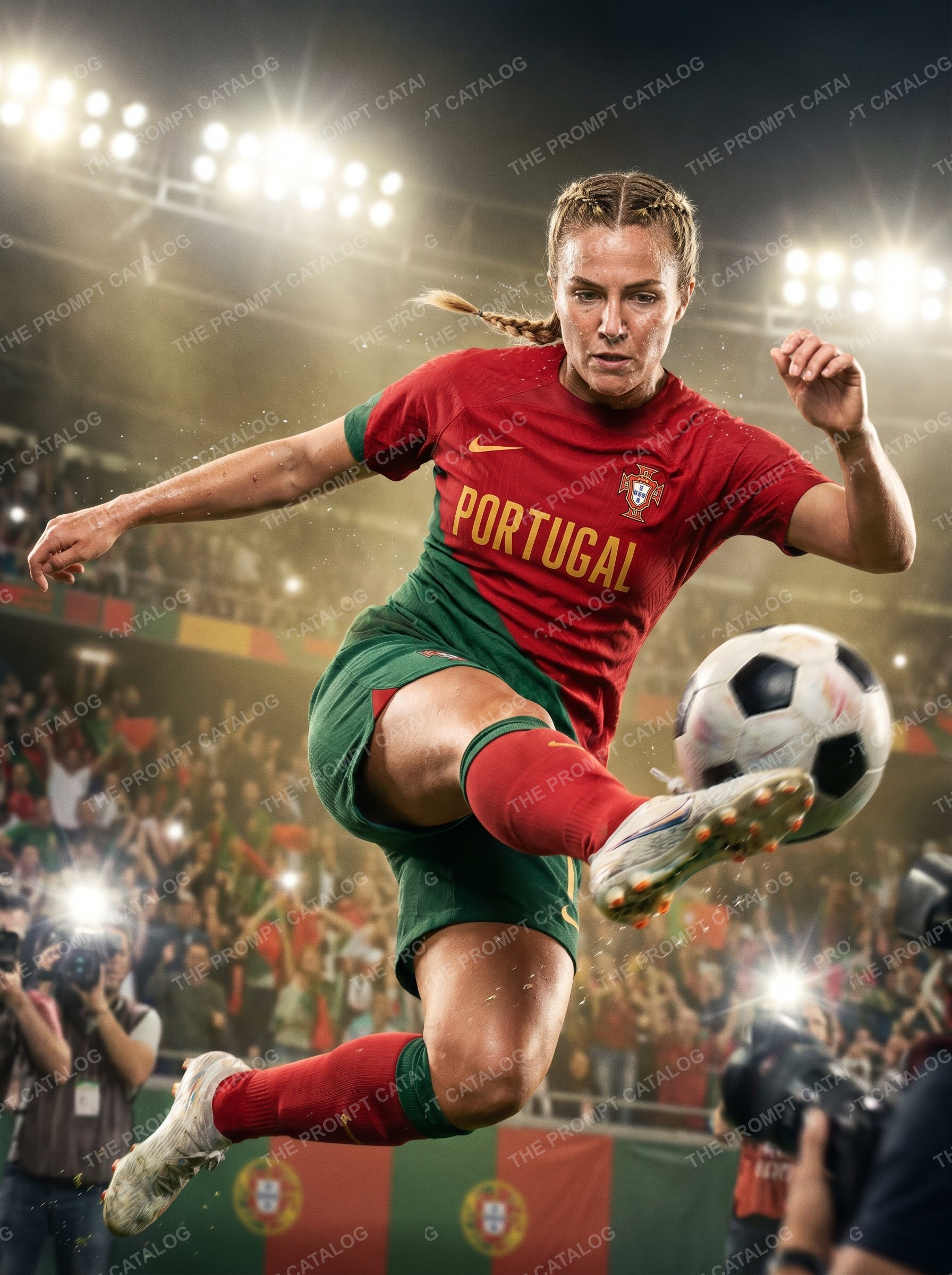
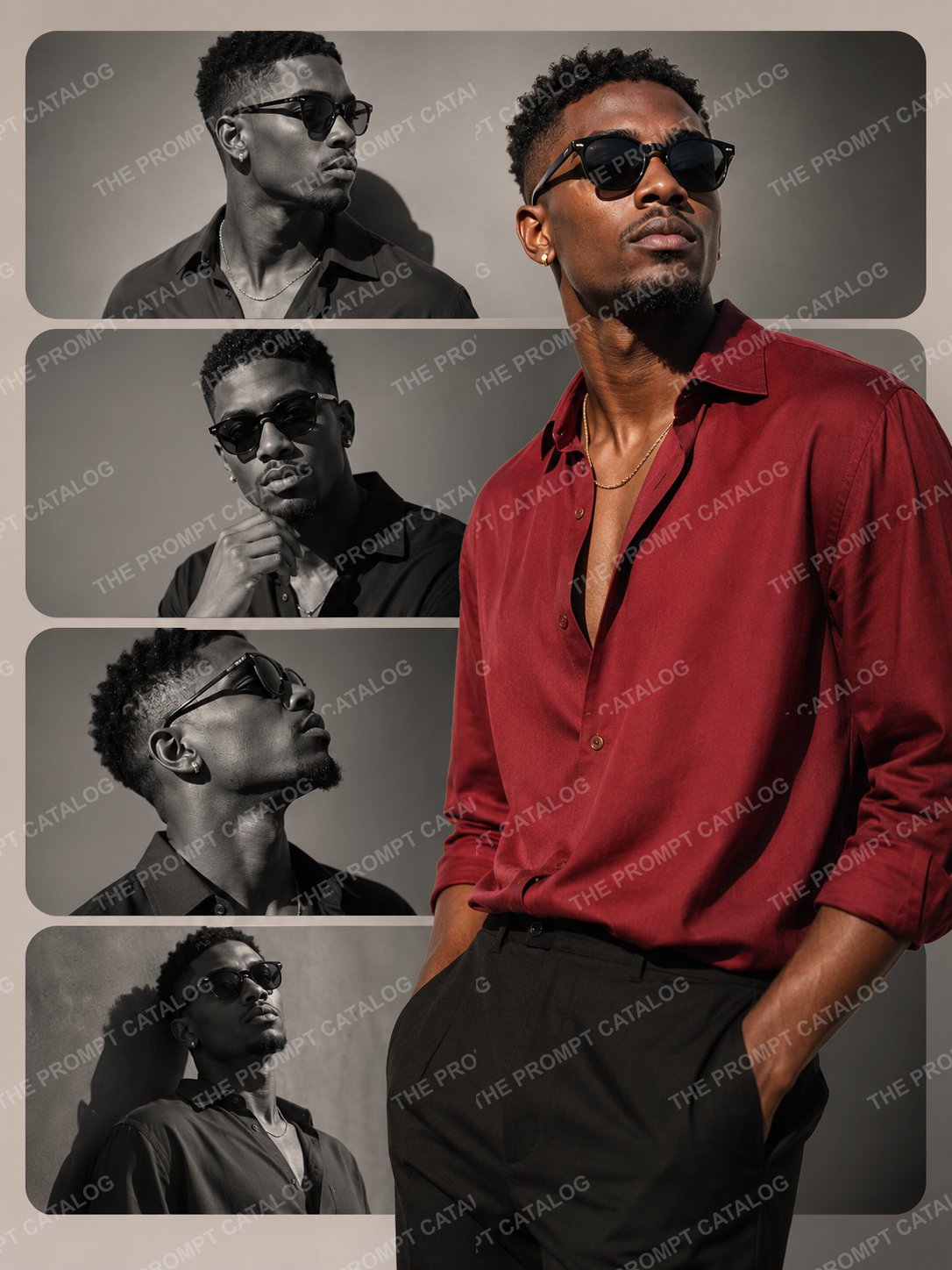
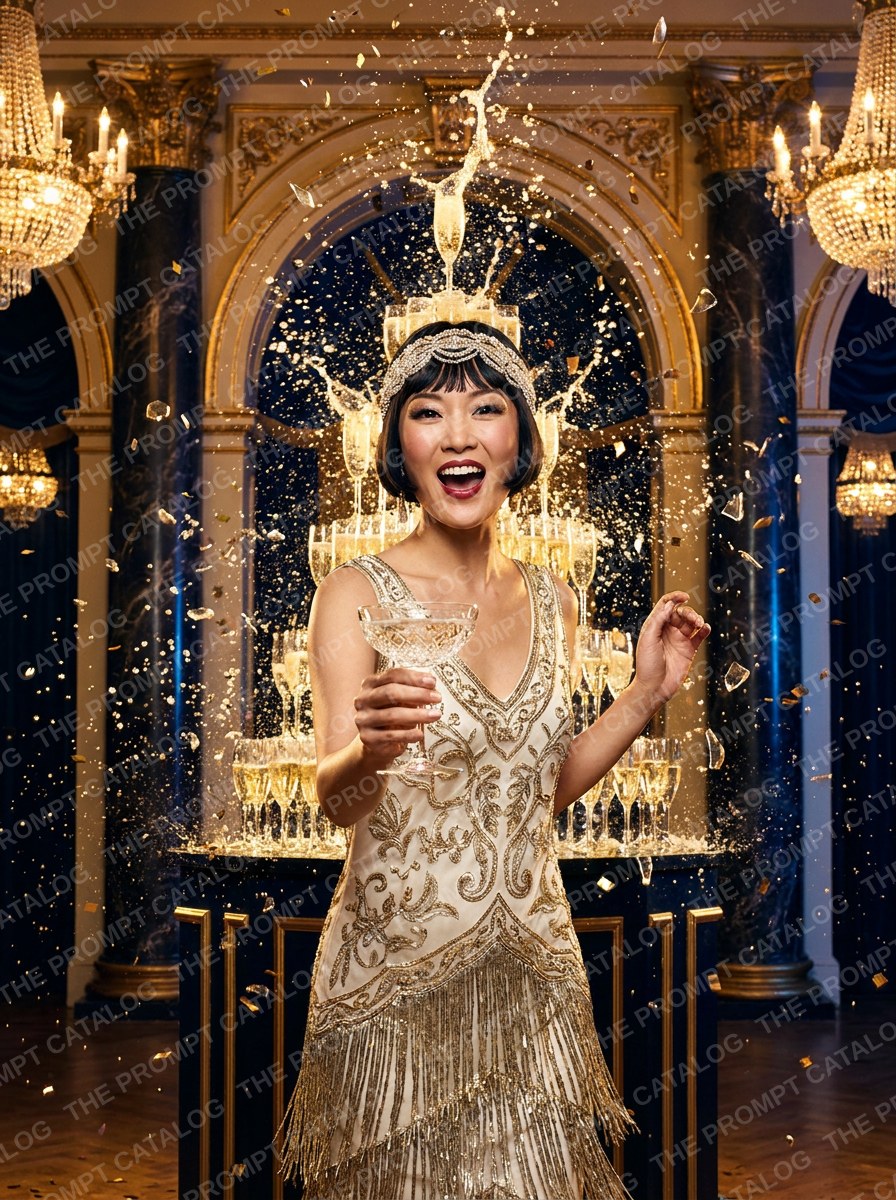
Open any tile to see that theme and download the prompt set.
Matching prompts to the event
The best photo booth prompts suit the room they are in, not just whichever looks most impressive on its own.
Weddings
Flattering beats dramatic. Everyone is dressed up and wants to look like the best version of themselves rather than be turned into somebody else. Editorial portraits, soft film looks and painterly styles beat heavy fantasy nearly every time.
Corporate and brand activations
Stick to the brand's colours and world rather than its logo. Models handle colours, settings and materials well. They handle logos and brand fonts badly. If a logo has to be in the shot, add it afterwards. There is more on packaging these for clients in selling AI experiences in your photo booth business.
Birthdays, kids and teens
Fun wins here. Superheroes, athletes, video game and cartoon worlds. This is the one crowd where going as stylised as possible is usually the right call.
Seasonal and event-driven
Themes tied to something happening right now get shared far more, precisely because they will not make sense in six months. Big sporting events are the most reliable version of this. We wrote about soccer summer 2026 activations.
Your software changes the result
Prompts do not travel perfectly. Snappic, LumaBooth, Breeze, Darkroom and TouchPix each wrap your text in their own instructions, send it to their own model, and decide for themselves how tightly to hold onto the guest's face.
So treat a prompt you have moved as a first draft rather than a finished job. Shoot a few tests afterwards, and again when your software updates, because a new model version can quietly change how every prompt you own behaves. None of that is a reason to skip updates. It is a reason to keep a handful of test faces you can run through in ten minutes.
For an example of how one idea has to be adapted per platform, our write-up on the aura effect with Imagen postprocessing goes through it step by step.
Writing your own vs. using tested sets
We sell prompt sets, so take this with the appropriate pinch of salt.
Write your own when a client wants something only they would want. Their venue, their branding, a joke that only lands in that room. Nobody can sell you that one.
For everything else, the writing is the quick part. The testing is what costs you, in credits and in evenings spent finding out that a look breaks on anyone wearing glasses. If you charge by the event, those evenings are usually better spent chasing the next booking. That is the case for ready-made prompts for photo booth owners , where somebody else has already found the broken bits.
How the catalog works
Everything in the catalog gets tried on a mix of faces before we list it, and every download includes the prompt text and instructions for running it. Members pay member pricing. see plans and credits. There's also background on the approach in why the catalog is built for modern photo booths.
Where AI video fits in
Stills are the baseline now. What sets a booth apart next is short AI video made from a guest photo. A few seconds of movement they can post that night lands very differently to a picture.
Video prompts use the same five parts with movement added on top. What moves, what the camera does, how fast. The things that go wrong are familiar too, only more obvious, because a flaw you would barely notice in a photo jumps out once it starts moving. For packaging and pricing, we went into it in AI video coming to Snappic.
Showing your prompts off to clients
Here is something worth setting up. Put your themes on your own site so people can scroll through them while they are still deciding. It turns “we do AI” into something they can actually look at, and it does the selling before you ever get on a call.
Our gallery widget does exactly this, and it takes your colours so it looks like part of your site. customizing the widget for your site, or get in touch if you want a hand setting it up.
Frequently asked questions about AI photo booth prompts
What is an AI photo booth prompt?
It is the written instruction your booth software sends off with your guest's photo. It describes the scene, the style, the lighting and the mood you want back. The face is the only part the guest supplies. Everything else comes from the prompt. Two booths with identical cameras and identical software can produce wildly different pictures purely because one has better prompts, which is usually what separates a booth with a queue from one people walk past.
How long should a photo booth prompt be?
Somewhere between 40 and 120 words works for most. Go shorter and the model starts filling in the blanks itself, so your results wander from guest to guest. Go much longer and the later instructions get watered down, because most models pay more attention to the opening words. When you need to trim, cut adjectives first. A phrase like 'dramatic rim lighting' earns its place. 'Beautiful, stunning, amazing' does not.
Why does the same prompt look great on one guest and bad on another?
Your prompt has to cope with everyone who walks up, not just the person you tried it on. Most of the time the problem is a prompt that quietly assumes something about the guest, like long hair or a certain height. Ask for flowing hair and it will fall apart on the first person with a buzz cut. Test every prompt on a mix of faces first. Different ages, skin tones, hair, glasses, on their own and in groups.
Do AI photo booth prompts work across Snappic, LumaBooth, Breeze, Darkroom and TouchPix?
The text moves across fine, but the pictures will not come out the same. Each platform wraps your prompt in its own instructions, picks its own model, and decides how tightly to hold the guest's face. So a prompt you tuned in one place is a good first draft in another rather than a finished job. Shoot a few tests after you move one, and again after your software updates its models.
What is a negative prompt and do I actually need one?
It is a short list of things you do not want to see, like extra fingers, warped faces, stray text or duplicated arms. Not every platform gives you the field, but when it does, filling it in is the cheapest quality win you will find. It catches the sort of glitch that makes a guest quietly delete the photo instead of sharing it, and a deleted photo is a referral you never get.
How many prompts do I need for a single event?
Three to five is about right. With only one you have nothing to fall back on if the room finds it dull. With more than six people stand there deciding instead of shooting, and your line stops moving. Pick one showpiece, one safe crowd pleaser, and a couple that suit the event itself.
Why do faces come out distorted or unrecognizable?
It is usually one of three things. Your prompt is asking for something heavily stylised like an oil painting while the software is also trying to keep the face recognisable, and the two pull against each other. Or the original photo is badly lit, so there is not much face for the model to work with. Or you have described a full body scene while the camera only sees from the chest up, so everything below gets invented. Start with the lighting. It fixes more of these than any wording change.
Should I write my own prompts or buy prompt sets?
Write your own when a client wants something only they would want, like their branding or an in-joke from the office. Buy tested sets for everything else. Writing a prompt takes minutes. Testing it properly takes credits and evenings, and that is where the real cost sits. If you charge by the event, those evenings are usually worth more spent finding the next booking.
How much can I charge for an AI photo booth experience?
Enough to charge more than a standard booth package, as long as you do not hand it over as a freebie. What sells is not 'we have AI', it is 'your guests go home with something they cannot get anywhere else'. Building it into a middle or top tier lifts the price of the whole package, where selling it as an add-on just competes with itself.
What image resolution and aspect ratio should I use?
Match it to where the picture ends up. Vertical 9:16 suits phones and social, which is where most guest photos go. Square suits print strips and grids. If you are printing, generate at the highest resolution your platform offers, because blowing an image up afterwards rarely holds together on a 4x6. For digital only, the default is fine.
How do I keep AI prompts on-brand for a corporate client?
Stick to things a model can actually draw, like a colour palette, a setting, a time of day or a material. Do not ask it for a logo, exact brand fonts or a licensed character. Those come out mangled and put you in an awkward conversation with the client. If a logo has to be in the shot, add it afterwards rather than asking the prompt for it.
How often should I refresh my prompt library?
Have a look every season, and again whenever your booth software swaps its models. Guests spot repeats faster than you would think, especially if the same crowd turns up at several events a year. Retiring your weakest theme and adding one new one each quarter keeps things fresh without a big rebuild right before your busy months.
Where to go from here
If you only change one thing, try every prompt on a mix of faces before it meets a paying guest. That one habit will save you more bad nights than any amount of clever wording.
After that, keep your library small. Three to five looks you trust completely will earn you more than twenty you half remember testing. Drop the weakest one each quarter and add a new one, and it improves quietly instead of needing a rebuild the week before your busy season.
Would rather skip the testing? Browse the prompt catalog . Every set has been tried on a mix of faces, downloads straight away, and comes with instructions for your booth software.